

Source : INDIA TODAY NEWS
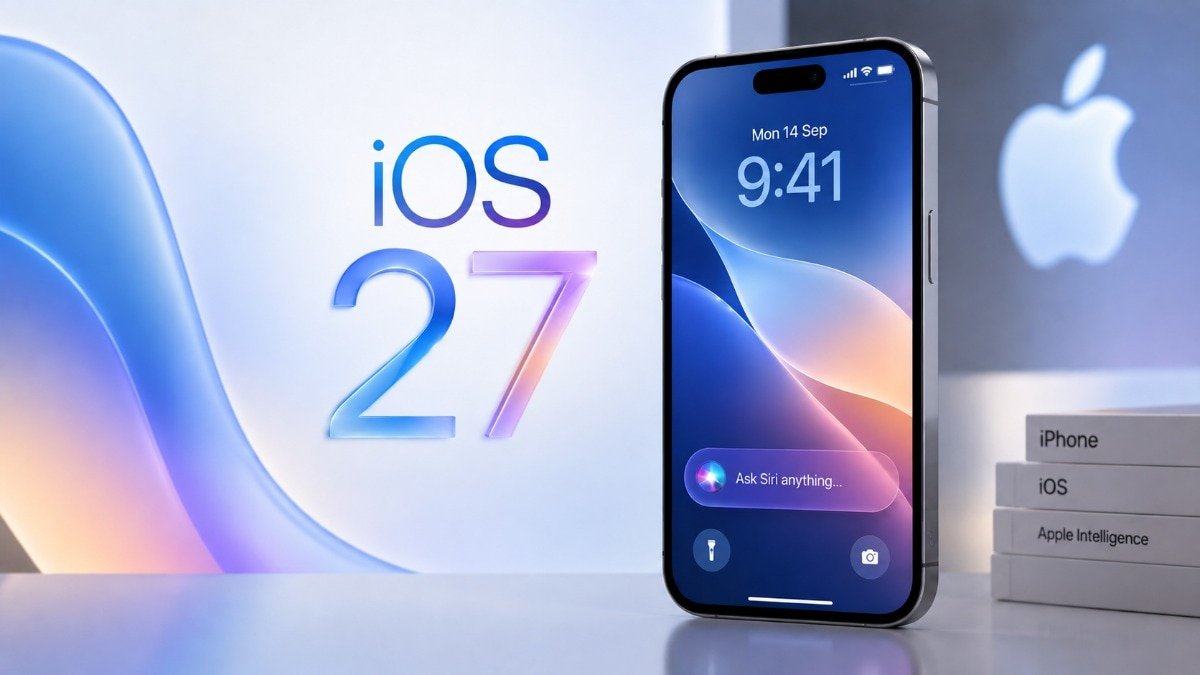
If you own an iPhone and have been holding off on updating your software, Apple is trying to get your attention. Starting today, Apple is actively pushing iPhone users who are still using last year’s iOS 26 to install the newer iOS 27 update.
Here is everything you need to know about this change, what it means for your iPhone, and what you should do next.
advertisement
The big push for iOS 27
Apple released iOS 27 on September 14. However, for the first few weeks, the company wasn’t aggressively pushing it. If you went to your Settings app, iOS 26.7 (and later iOS 26.7.1) was displayed as the main update, while the new iOS 27 was tucked away at the bottom under an “Also Available” section.
Now, Apple has flipped the switch. If you open your iPhone and head to General > Software Update, iOS 27.0.1 will be sitting front and centre as the prominent update. The older iOS 26.7.1 has now been relegated to the smaller “Also Available” section.
By reversing this order, Apple is making it much harder to ignore the new software. While Apple has yet to share official adoption numbers for iOS 27, giving the update top billing is a standard move to get more iPhones running the latest features globally.
Do you have to update to iOS 27 right now?
The short answer is no. Apple is not forcing you to make the jump just yet.
If you prefer the familiar feel of iOS 26, or if you want to wait until Apple fixes the usual early bugs that come with major software releases, you can stay put. However, there is a catch. If you choose not to get iOS 27, Apple strongly recommends that you at least tap on the “Also Available” section and install iOS 26.7.1. This minor update contains crucial security fixes that will keep your iPhone safe from hackers and glitches.
How to update your iPhone
If you want to experience the newest features Apple has to offer, upgrading is a breeze. Here is what you need to do:
Connect your iPhone to a stable Wi-Fi network.
Make sure your phone has at least a 50% battery charge, or simply plug it into a charger.
Open the Settings app on your iPhone.
Scroll down and tap on General, then tap Software Update.
Tap on iOS 27.0.1 and follow the simple on-screen instructions to download and install.
– Ends
Is China Beating US in AI Affordability?
SOURCE :- TIMES OF INDIA